Create a QR code
Select text in Safari, Notes, Mail, or another Mac app. Choose Services → Create QR Code.
text → modules
 macqr.org
macOS Service · local-only
Select text to create one. Select an image to read one. QRMe does both from the macOS Services menu—without accounts, uploads, or tracking.
Free and open source · macOS 13+

Two directions
Select text in Safari, Notes, Mail, or another Mac app. Choose Services → Create QR Code.
text → modules
Select an image in Finder. Choose Services → Read QR Code, then copy the decoded contents.
pixels → text
No dashboard required
QRMe uses the Mac’s built-in Services menu. There is no account to create, browser extension to trust, or cloud history to clear.
See usage details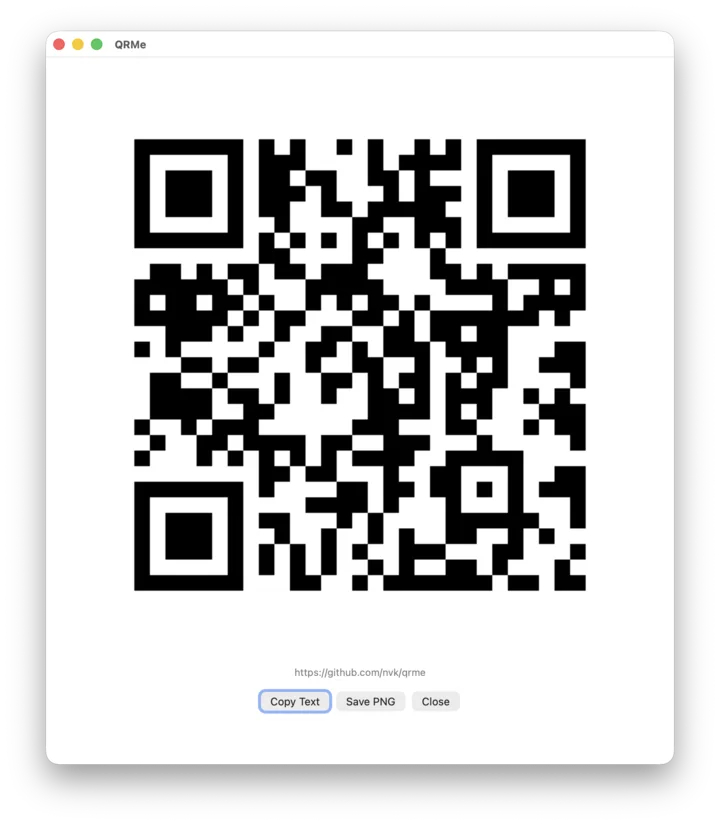
Install
Download the latest release, unzip it, and move QRMe.service into ~/Library/Services/.
git clone https://github.com/nvk/qrme.git
cd qrme
./scripts/install-service.sh
Plain answers
Yes. Select the image in Finder, then choose Services → Read QR Code. Some browsers do not pass image selections to macOS Services; save the image first in that case.
No. QRMe does not send selected text, images, or decoded contents over the network. Opening a decoded web link is always a separate, explicit action.
No. QRMe works with selected image data and image files, so it does not need camera permission.
Nothing. QRMe is free, open source, and released under the MIT License.